


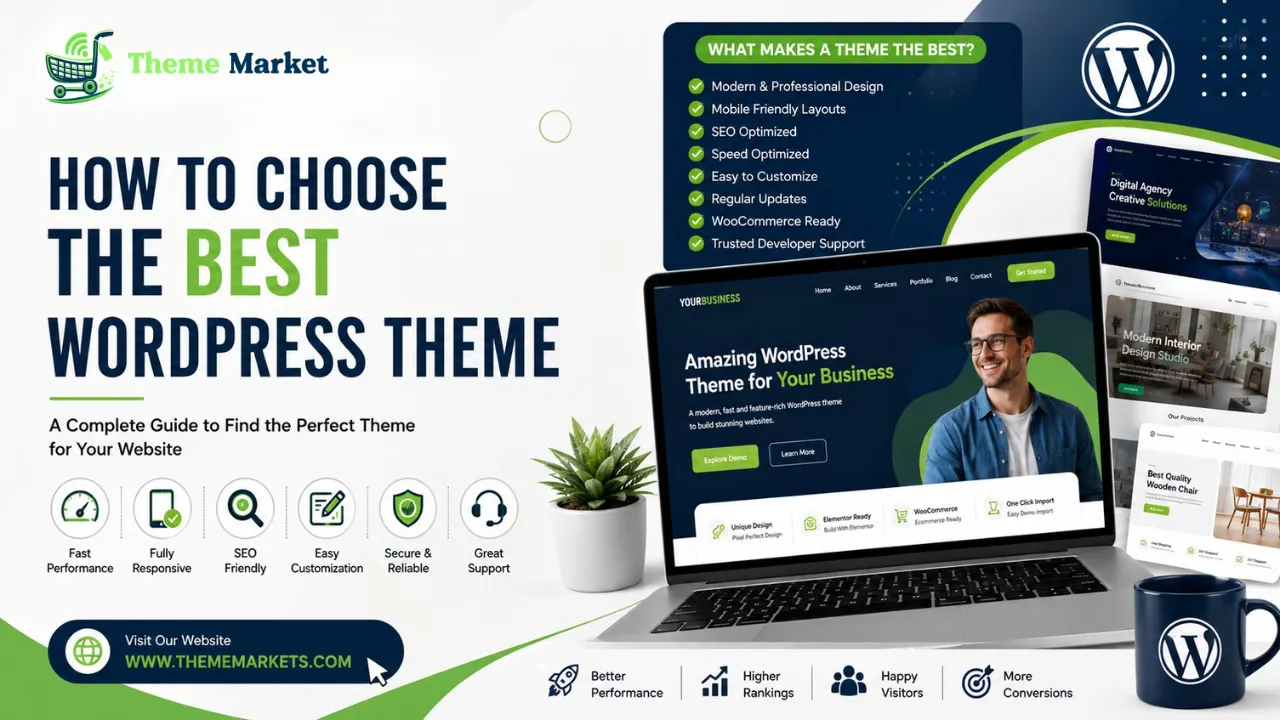
How to Choose the Best WordPress Theme
Table of Contents
Choosing the right WordPress theme is one of the most important decisions you will make when building a website. A theme is much more than a visual design—it influences your site’s speed, search engine rankings, user experience, functionality, and conversion rates. Whether you are launching a personal blog, a business website, an online store, or a professional portfolio, selecting the Best WordPress Theme can determine how successfully your website performs over the long term.
With thousands of free and premium themes available today, it is easy to become overwhelmed. Every theme promises modern designs, powerful customization, responsive layouts, and excellent performance. However, not every theme delivers on these promises. Some are packed with unnecessary features that slow down your website, while others lack the flexibility needed for future growth.
This comprehensive guide will help you understand exactly what to look for when choosing a WordPress theme. You’ll learn about performance, SEO, responsiveness, customization, security, compatibility, and much more so you can make a confident decision that benefits your website for years to come.
Why Choosing the Right WordPress Theme Matters
Your WordPress theme is the foundation of your website. It controls your site’s appearance while also affecting functionality and performance. A professionally developed theme creates a better experience for visitors and makes website management easier.
The Best WordPress Theme helps you:
- Create a professional first impression
- Improve website loading speed
- Increase visitor engagement
- Enhance search engine rankings
- Boost conversion rates
- Strengthen your brand identity
- Improve mobile usability
A poor-quality theme may look attractive initially but often causes problems with performance, compatibility, and maintenance later.
Understanding What a WordPress Theme Does
A WordPress theme determines how your website looks and behaves. It controls page layouts, typography, colors, navigation, blog styles, headers, footers, and much more.
Modern Best WordPress Theme also include advanced functionality such as:
- Drag-and-drop page builders
- Portfolio layouts
- WooCommerce integration
- Blog templates
- Contact forms
- Mega menus
- Animation effects
- Custom widgets
Choosing the Best WordPress Theme means finding one that balances design flexibility with performance and usability.
Identify Your Website Goals First
Before selecting a theme, clearly define the purpose of your website.
Ask yourself:
- Is it a business website?
- Will it be an online store?
- Are you building a portfolio?
- Is it a blog?
- Do you need appointment booking?
- Will you publish online courses?
- Are you creating a news website?
Different websites require different features. Choosing a theme designed specifically for your niche usually produces better results.
Types of WordPress Themes
There are numerous categories of Best WordPress Theme available today.
Business Themes
Business themes focus on professionalism and lead generation. They often include service pages, testimonials, pricing tables, and contact forms.
Ecommerce Themes
Online stores require WooCommerce compatibility, product pages, shopping carts, wishlists, and secure checkout systems.
Portfolio Themes
Portfolio themes emphasize project showcases, image galleries, and creative presentations.
Blog Themes
Blog themes prioritize readability, typography, featured images, and content organization.
Corporate Themes
Corporate themes include clean layouts, company profiles, service pages, and team sections.
Multipurpose Themes
Multipurpose themes offer flexibility for various industries and website types.
Choosing the Best WordPress Theme starts with selecting the appropriate category.
Performance Should Always Be a Priority
Website speed directly affects user experience and SEO rankings.
Visitors expect pages to load quickly. Even small delays can reduce engagement and conversions.
A high-quality theme should feature:
- Lightweight coding
- Optimized CSS
- Minified JavaScript
- Fast-loading templates
- Clean HTML structure
Performance should never be sacrificed for visual effects.
Mobile Responsiveness
More than half of all website traffic now comes from mobile devices.
Responsive Best WordPress Theme automatically adapt to:
- Smartphones
- Tablets
- Laptops
- Desktop monitors
Google also prioritizes mobile-friendly websites in search results.
The Best WordPress Theme must provide a consistent experience across all devices.
SEO-Friendly Structure
Search engine optimization begins with your website’s technical foundation.
An SEO-friendly theme includes:
- Clean source code
- Proper heading hierarchy
- Schema markup support
- Fast loading speeds
- Mobile optimization
- Optimized navigation
These features help search engines understand your content more effectively.
Design Quality
Visitors judge your website within seconds.
A professional design builds trust immediately.
Look for themes with:
- Modern layouts
- Professional typography
- Consistent spacing
- Attractive color schemes
- High-quality demo content
Avoid themes overloaded with unnecessary animations or visual clutter.
Customization Options
Every business has unique branding requirements.
Your theme should allow customization of:
- Colors
- Fonts
- Headers
- Footers
- Layouts
- Buttons
- Sidebars
- Blog pages
Flexible customization helps create a website that reflects your brand identity.
Compatibility with Page Builders
Many website owners use page builders to simplify design.
Popular options include:
- Elementor
- Gutenberg
- WPBakery
- Brizy
- Beaver Builder
The Best WordPress Theme should integrate seamlessly with these tools.
WooCommerce Compatibility
If you plan to sell products online, WooCommerce compatibility is essential.
A quality ecommerce theme supports:
- Product pages
- Shopping carts
- Checkout pages
- Product filters
- Wishlists
- Customer accounts
Even if you do not currently operate an online store, WooCommerce compatibility provides future flexibility.
Plugin Compatibility
Modern websites depend on plugins.
Your Best WordPress Theme should work well with plugins for:
- SEO
- Security
- Backups
- Contact forms
- Caching
- Email marketing
- Analytics
Compatibility prevents technical conflicts.
Security
Website security protects both you and your visitors.
Premium themes typically offer:
- Regular security updates
- Clean coding practices
- Compatibility with current WordPress versions
- Reliable developer support
Security should never be overlooked.
Regular Updates
WordPress evolves continuously.
Themes should receive regular updates to:
- Improve compatibility
- Fix bugs
- Add features
- Address security vulnerabilities
Avoid themes that have not been updated for long periods.
Documentation
Good documentation saves time.
Comprehensive documentation should explain:
- Installation
- Theme setup
- Customization
- Demo import
- Troubleshooting
Clear instructions make website management easier.
Professional Support
Reliable customer support is one of the biggest advantages of premium Best WordPress Theme.
Support may include:
- Ticket systems
- Email assistance
- Knowledge bases
- Video tutorials
Quick support reduces downtime when issues arise.
Demo Content
Demo content allows you to build websites faster.
Instead of starting from scratch, you can import professional layouts and customize them.
Choose themes with multiple demos covering different industries.
Typography
Typography influences readability and user experience.
Look for themes supporting:
- Google Fonts
- Font customization
- Proper heading styles
- Comfortable paragraph spacing
Readable text encourages visitors to stay longer.
Navigation
Simple navigation improves user experience.
Menus should be:
- Easy to understand
- Mobile-friendly
- Well organized
- Accessible
Good navigation reduces bounce rates.
Accessibility
Accessibility ensures everyone can use your website.
Important accessibility features include:
- Keyboard navigation
- Screen reader support
- Proper color contrast
- Clear typography
Accessible websites reach wider audiences.
Image Optimization
Images greatly influence loading speed.
The Best WordPress Theme should support:
- Lazy loading
- Responsive images
- Modern image formats
- Optimized galleries
Efficient image handling improves performance.
Common Mistakes to Avoid
Many beginners choose themes based solely on appearance.
Avoid these mistakes:
- Ignoring loading speed
- Installing outdated themes
- Choosing excessive animations
- Using unsupported themes
- Prioritizing appearance over functionality
A balanced approach produces better long-term results.
Free vs Premium Themes
Free themes are suitable for learning and simple websites.
Premium themes generally offer:
- Better performance
- More customization
- Professional support
- Regular updates
- Additional features
Businesses usually benefit from investing in premium themes.
Choosing a Theme Marketplace
Always purchase themes from trusted marketplaces.
Reliable marketplaces provide:
- Verified developers
- Customer reviews
- Regular updates
- Secure downloads
- Better support
Buying from reputable sources reduces risks.
Future Scalability
Your website should grow with your business.
Choose a theme capable of supporting:
- Additional pages
- Ecommerce
- Membership systems
- Multilingual functionality
- Advanced customization
Planning ahead prevents expensive redesigns later.
Importance of User Experience
User experience directly affects conversions.
Visitors appreciate websites that are:
- Fast
- Easy to navigate
- Visually appealing
- Mobile-friendly
- Simple to understand
Excellent user experience often leads to better engagement and increased sales.
Building Brand Trust
Professional websites inspire confidence.
Strong branding includes:
- Consistent colors
- High-quality images
- Clear messaging
- Professional layouts
The Best WordPress Theme helps communicate credibility immediately.
Future Trends
Website design continues evolving.
Emerging trends include:
- AI-assisted customization
- Faster frameworks
- Dark mode support
- Interactive layouts
- Advanced personalization
- Improved accessibility
Modern themes continue adapting to these developments.
Final Thoughts
Selecting the Best WordPress Theme is one of the most important investments you can make for your website. A high-quality theme combines attractive design, exceptional performance, SEO optimization, mobile responsiveness, flexibility, and long-term reliability.
Rather than choosing based solely on visual appearance, evaluate speed, usability, security, customization, documentation, and developer support. A carefully selected theme provides the foundation for better search rankings, stronger branding, higher conversion rates, and long-term business growth.
Whether you are building a corporate website, ecommerce store, creative portfolio, agency website, or personal blog, investing in the right WordPress theme ensures your website remains competitive, scalable, and ready for future success.

Leave a Reply